How To
Build Your First Process Behavior Chart in 30 Minutes
Start with one metric that already causes too much discussion.
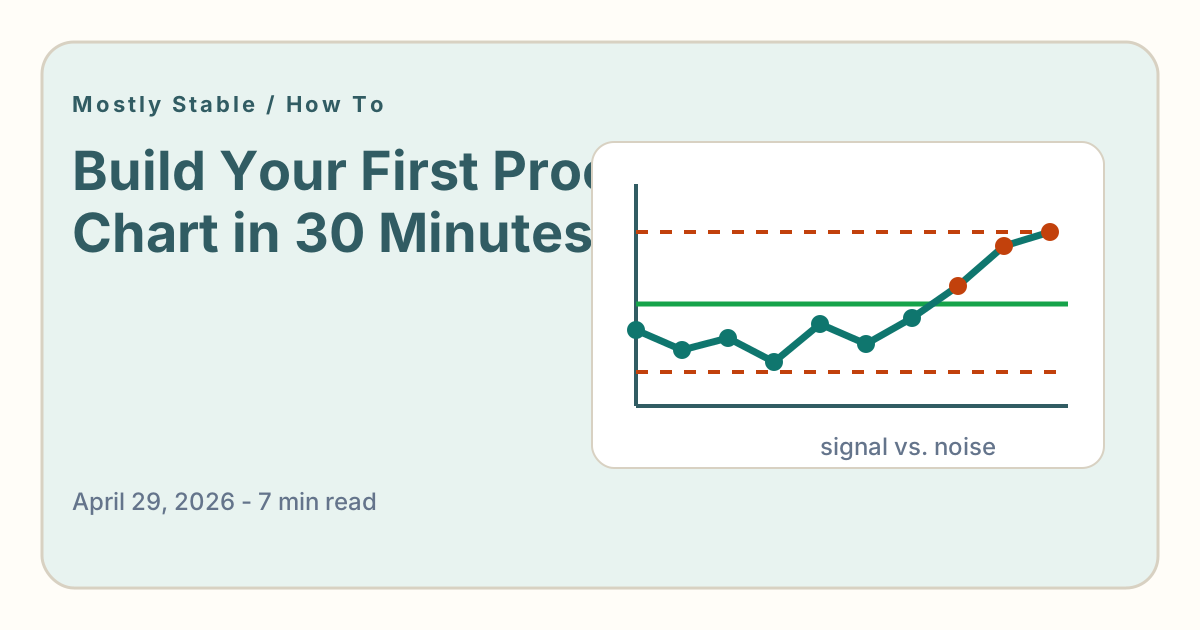
You do not need a transformation program to start using process behavior charts. You need one metric, a little historical data, and a willingness to stop explaining every wiggle.
Step 1: Choose a noisy metric
Pick a metric that regularly creates questions. Good candidates include conversion rate, weekly leads, support tickets, response time, activation, deployment frequency, or incidents.
Avoid starting with a metric nobody cares about. The first chart should pay rent immediately.
Step 2: Gather time-ordered data
Use 20 or more points if you have them. Weekly or daily data is fine. Keep the data in chronological order. Do not sort it from high to low, because the order is part of the signal.
Step 3: Add the behavior view
Mostly Stable can calculate the average and limits for you. Once the chart is built, look at the latest points. Are they inside the expected range? Outside? Forming a sustained run? The answer tells you what kind of conversation to have.
Step 4: Write the interpretation
Under the chart, add one plain-language sentence. "The metric is stable but below target." "This week is routine variation." "The last three points suggest the system may have shifted."
That sentence is the product. The chart earns its keep when it changes the next decision.
Step 5: Use it in the next meeting
Do not overteach the method. Bring the chart to the next review and use it to answer the question everyone already has. After a few repetitions, the team will start asking the better question on its own: is this signal or noise?